Multiple Choice Questions
Multiple choice flashcards test recognition and discrimination.
They work best when you need to choose between similar options, not just recall a single isolated fact.
Basic format
Section titled “Basic format”Use MCQ for the prompt, A for correct answers, and O for incorrect options.
T | French capitals |MCQ | What is the capital of France? |A | Paris |O | London |O | Berlin |O | Madrid |I | Remember: it is on the Seine |G | Geography |Single-answer and multi-answer MCQ
Section titled “Single-answer and multi-answer MCQ”LearnKit supports both:
- single-answer MCQ with one
Arow - multi-answer MCQ with more than one
Arow
If you add multiple correct answers, LearnKit treats the card as a multi-select question.
Creating one in the modal
Section titled “Creating one in the modal”Use Add flashcard, choose Multiple Choice, then enter:
- the question stem
- at least one correct answer
- at least one wrong option
LearnKit will not save the card unless both the correct and wrong sides are present.
Review flow
Section titled “Review flow”For single-answer cards:
- tap one option
- LearnKit grades the card immediately
For multi-answer cards:
- select all answers you think are correct
- click
Submit
After grading, LearnKit highlights correct and incorrect selections.
Grading
Section titled “Grading”Multiple choice cards are auto-graded.
In normal use, the result is effectively:
- fully correct answer ->
Good - wrong answer ->
Again
That grade is then passed into the scheduler like any other flashcard.
Shuffle setting
Section titled “Shuffle setting”Option order can be randomized in:
Settings -> Flashcards -> Multiple choice -> Shuffle order
When enabled, LearnKit keeps one shuffled order for that card during the current session so the answers do not keep moving mid-review.
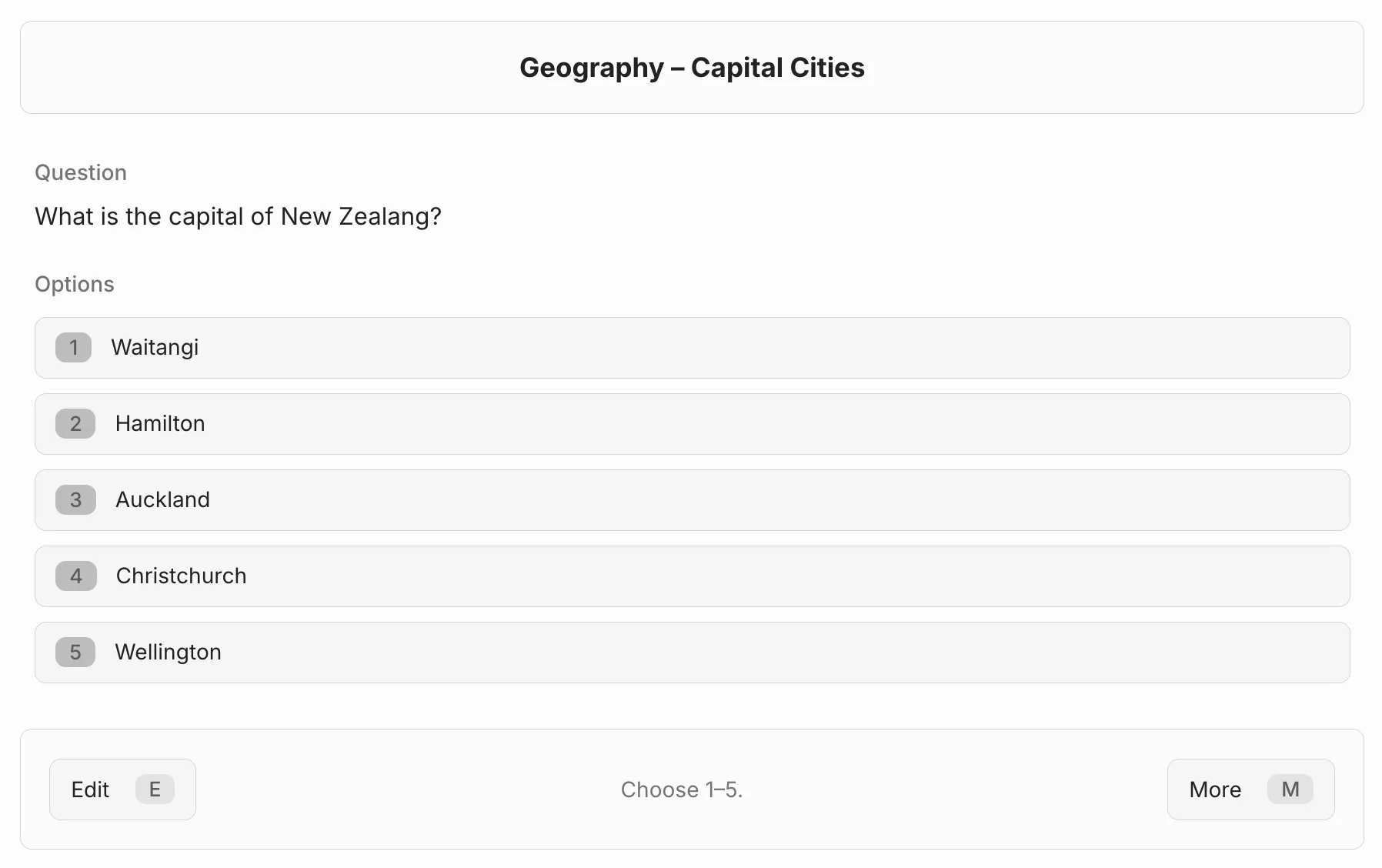
Multiple choice review with selectable options.
Good MCQ design
Section titled “Good MCQ design”- make wrong options plausible
- avoid trick wording
- test discrimination, not trivia noise
- use the
Ifield if the explanation matters after grading
If order matters more than selection, use Ordered Questions instead.
If location on an image matters more than option selection, use Hotspot Cards.
Last modified: 28/04/2026