Ordered Questions
Ordered questions test whether you can place items into the correct sequence.
They are useful for processes, timelines, ranked steps, and any workflow where position matters.
Basic format
Section titled “Basic format”Use OQ for the prompt and numbered rows for the correct order.
T | Cardiac cycle |OQ | Arrange the phases of the cardiac cycle in order |1 | Atrial systole |2 | Isovolumetric contraction |3 | Ventricular ejection |4 | Isovolumetric relaxation |5 | Ventricular filling |I | The cycle repeats with each heartbeat |G | Cardiology |LearnKit treats the order you write in the note as the answer key, so the source order must be correct.
Creating one in the modal
Section titled “Creating one in the modal”Use Add flashcard, choose Ordered Question, then enter:
- the prompt
- at least two steps
- the steps in the exact correct order
You can drag steps up and down before saving.
Review flow
Section titled “Review flow”During review, LearnKit can shuffle the steps, then shows them in a drag-to-reorder list.
You can reorder the steps by dragging them with a mouse or touch.
When you click Submit order:
- fully correct order ->
Good - any mistake ->
Again
After grading, LearnKit shows the correct order and highlights what was right or wrong.
Shuffle setting
Section titled “Shuffle setting”The shuffle behavior is controlled in:
Settings -> Flashcards -> Ordered questions -> Shuffle order
If you turn it off, the card will keep the authored order when it appears.
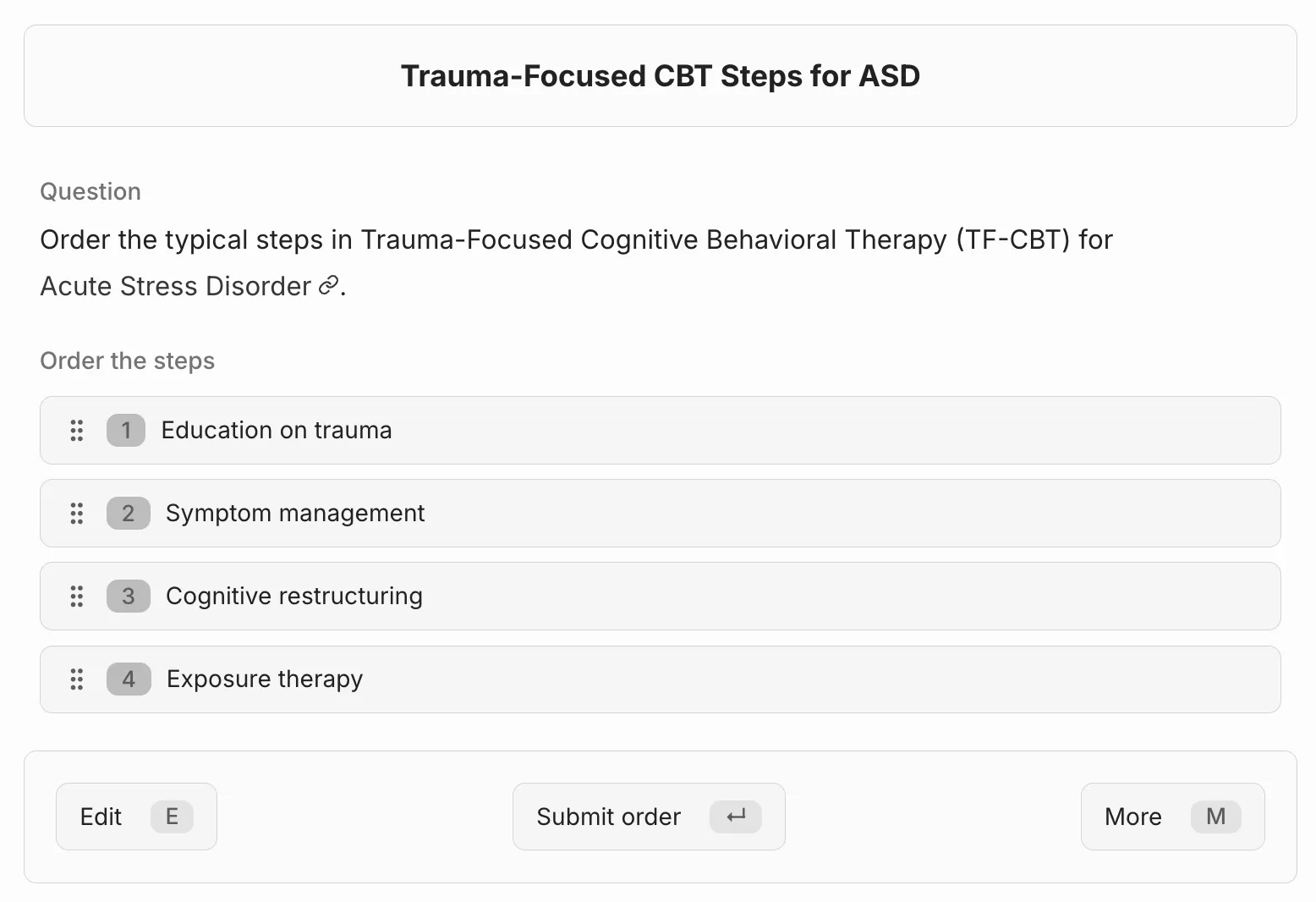
Ordered-question review with draggable steps.
Good ordered-question design
Section titled “Good ordered-question design”- use this only when order genuinely matters
- keep the list short enough to be reviewable
- avoid near-duplicate wording between steps
- use the
Ifield if learners need a short explanation after submission
If selection matters more than sequence, use Multiple Choice Questions instead.
If spatial placement matters more than sequence, use Hotspot Cards.
Last modified: 28/04/2026