Cloze Flashcards
Purpose
Section titled “Purpose”Cloze flashcards hide words inside a sentence so you recall missing parts in context.
Cloze Format
Section titled “Cloze Format”Use CQ with markers like {{c1::...}}:
T | French Geography |CQ | The capital of France is {{c1::Paris}} |I | Located on the River Seine |G | Geography |You can also add an optional hint after the answer with a second :::
CQ | The seronegative spondyloarthropathies may be remembered with {{c1::Psoriatic arthritis::P}} |In that form:
Psoriatic arthritisis the answer.Pis the hint shown only while the cloze is hidden.- When the answer is revealed, LearnKit shows only the full answer.
Numbering Rules
Section titled “Numbering Rules”- Different numbers (
c1,c2) create separate flashcards. - Same number hides multiple parts on the same flashcard.
- Hints do not change numbering.
Example with two flashcards:
CQ | {{c1::Paris}} is the capital of {{c2::France}} |Example with one flashcard hiding two words:
CQ | The {{c1::heart}} pumps {{c1::blood}} through the body |Modal Steps
Section titled “Modal Steps”- Right-click in a note -> Add flashcard -> Cloze Card.
- Enter text.
- Mark text as new cloze or same-number cloze.
- Save.
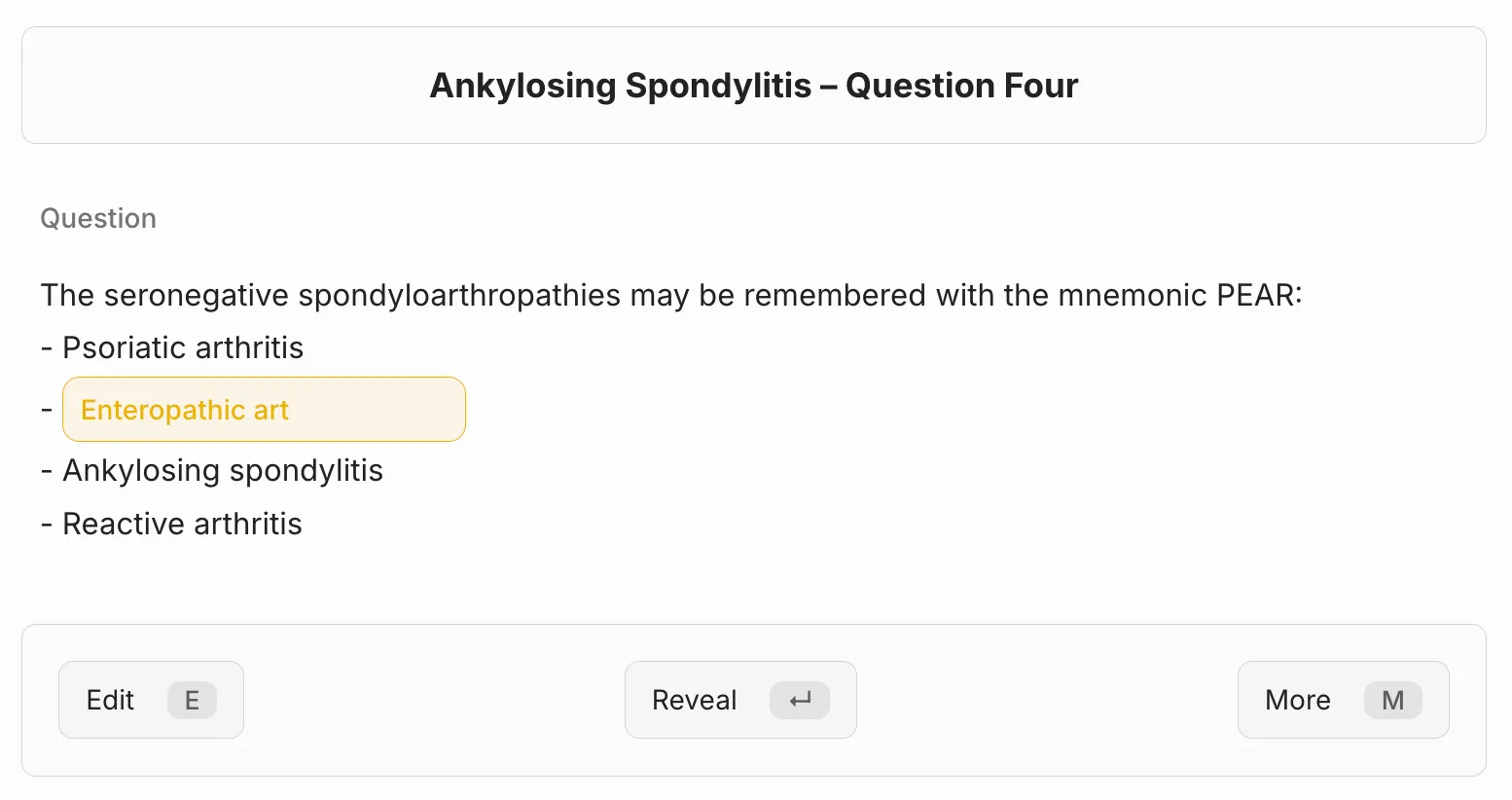
Cloze authoring/review in progress.
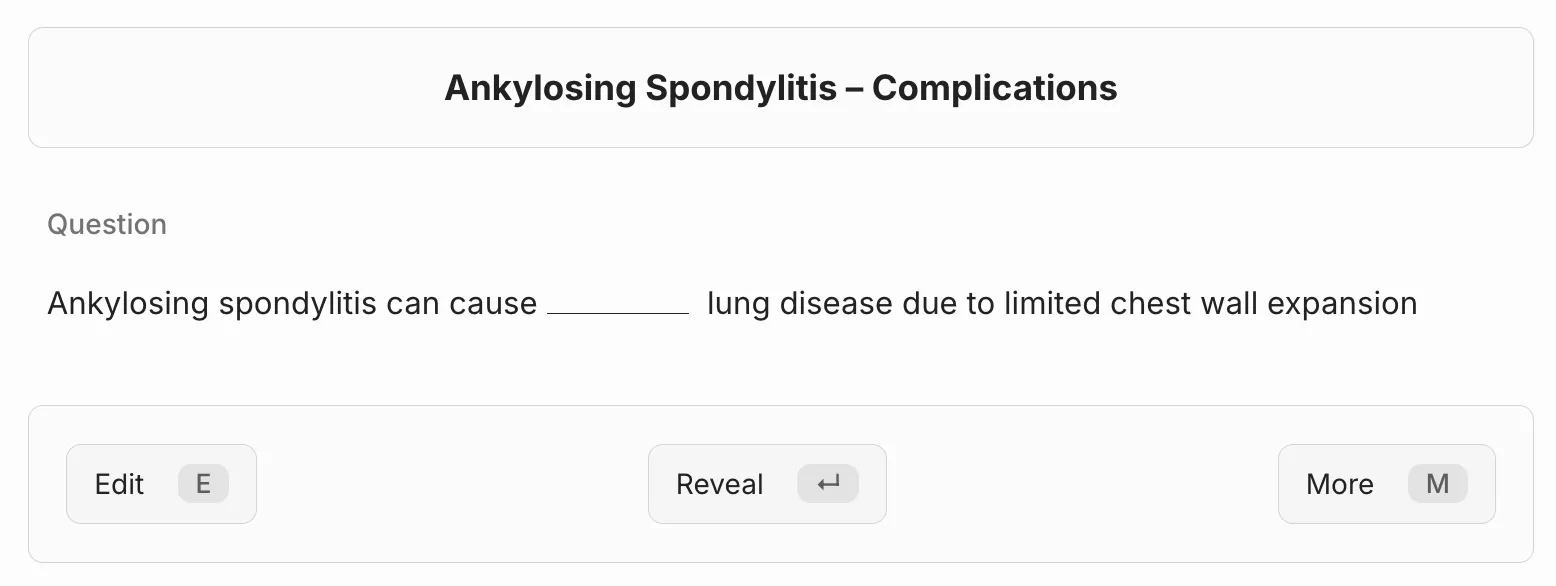
Question side with cloze hidden.
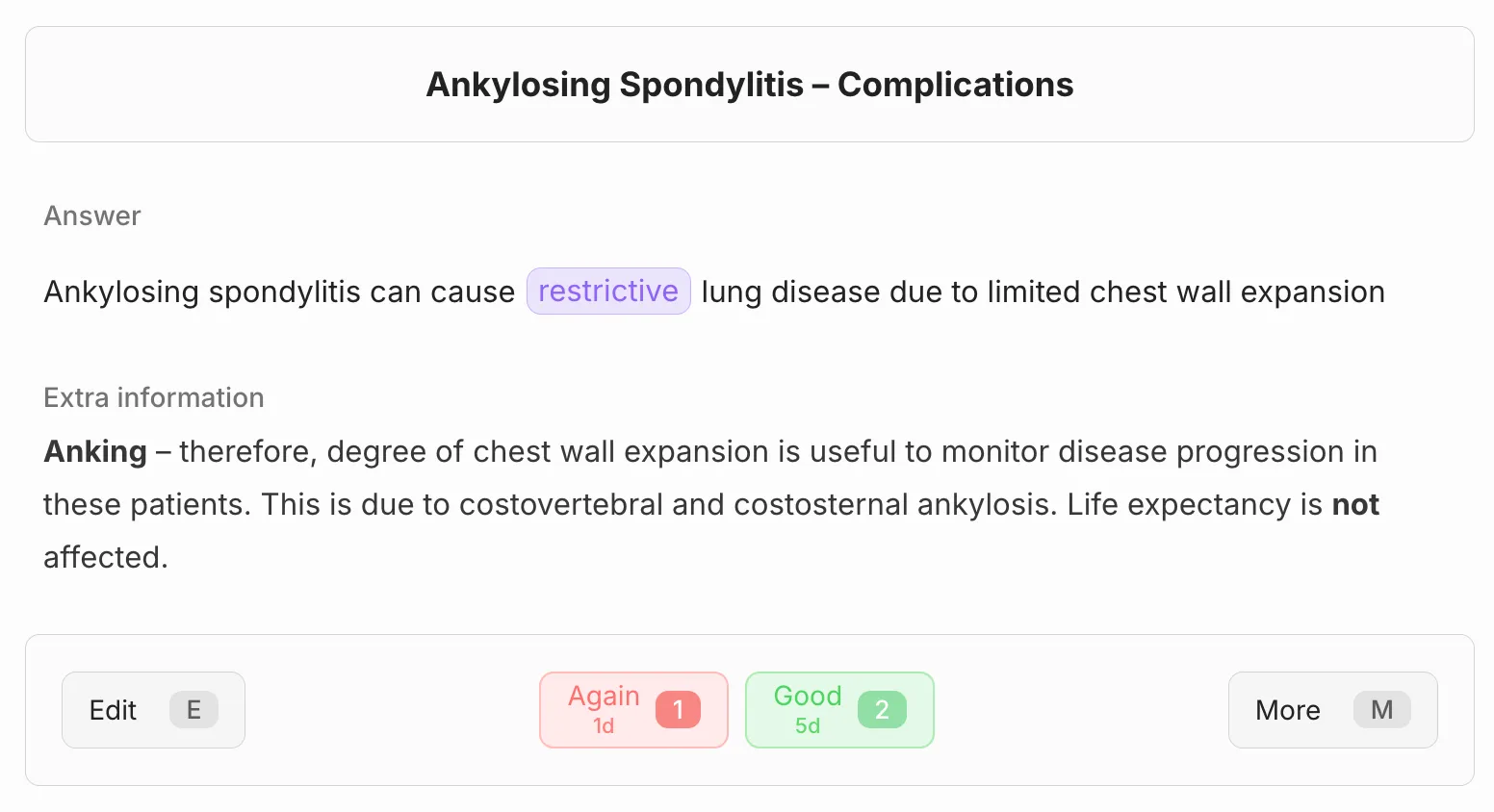
Answer side after reveal.
Grading
Section titled “Grading”Cloze flashcards use the same manual grading flow as other flashcards. See Grading.
Limits
Section titled “Limits”- Invalid cloze syntax can stop a flashcard from rendering correctly.
- Hint syntax must follow the pattern
{{cN::answer::hint}}. - Overlapping or inconsistent numbering can create unexpected flashcard counts.
- Very large numbers of deletions in one sentence can hurt readability and recall quality.
- Cloze tokens inside fenced code blocks (
...) are not currently supported.
Related
Section titled “Related”Last modified: 28/04/2026