Flashcards
Flashcards are the core active-recall workflow in LearnKit.
If you want the shortest path from notes to review, this is the part of the docs you will use most.
What Flashcards Covers
Section titled “What Flashcards Covers”Flashcards in LearnKit includes:
- creating flashcards from notes
- formatting flashcards correctly
- editing flashcards later
- reviewing flashcards in study sessions
- browsing and managing flashcards in bulk
Typical Flashcard Workflow
Section titled “Typical Flashcard Workflow”- write or refine a note
- create flashcards from that note
- Sync your database
- review the flashcards in Study Sessions
- improve the source note or flashcard wording over time
Key Pages
Section titled “Key Pages”Flashcard Types
Section titled “Flashcard Types”- Basic & Reversed Flashcards
- Cloze Flashcards
- Image Occlusion
- Hotspot Cards
- Multiple Choice Questions
- Ordered Questions
Demo Previews
Section titled “Demo Previews”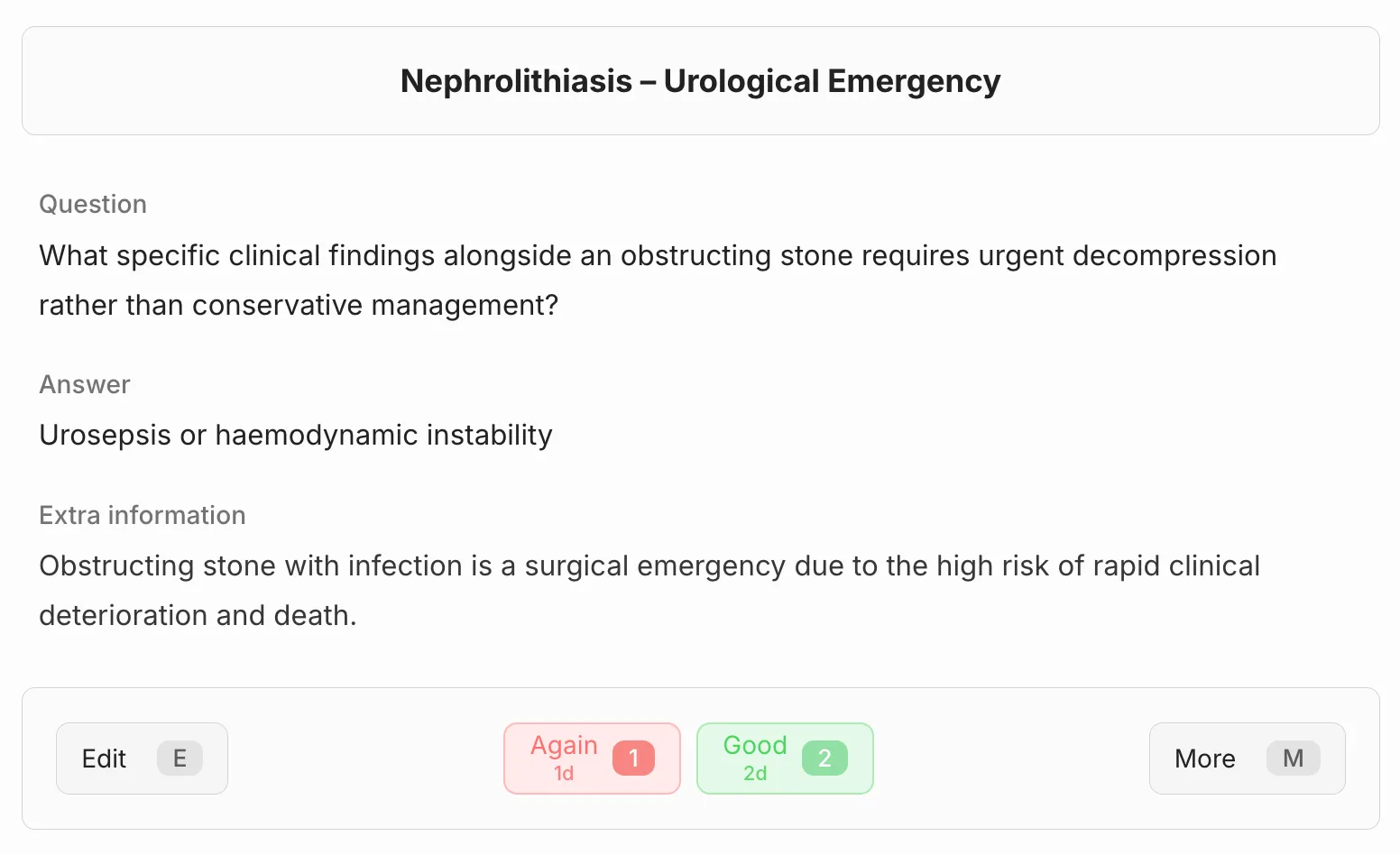
Basic card question flow.
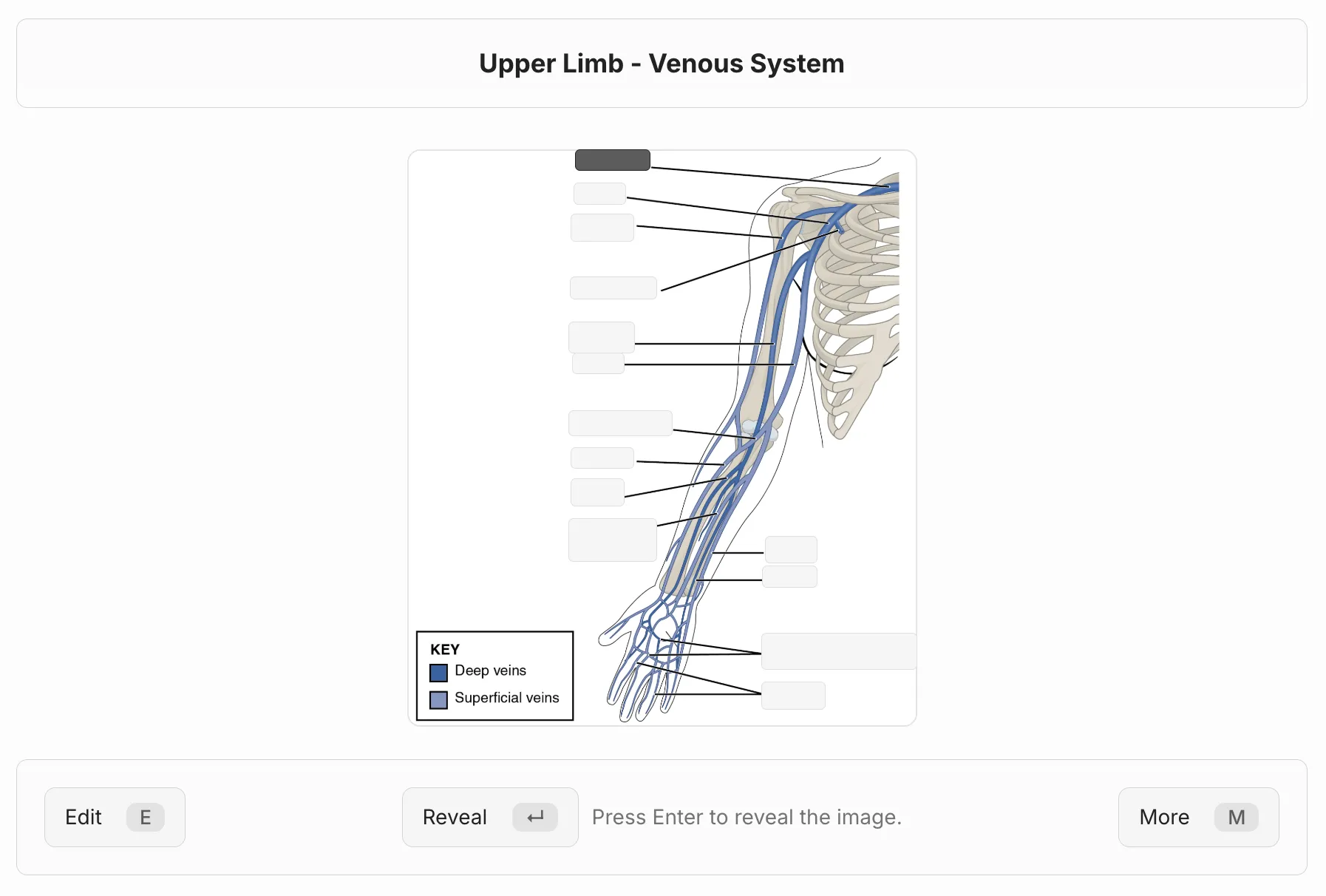
Image occlusion during review.
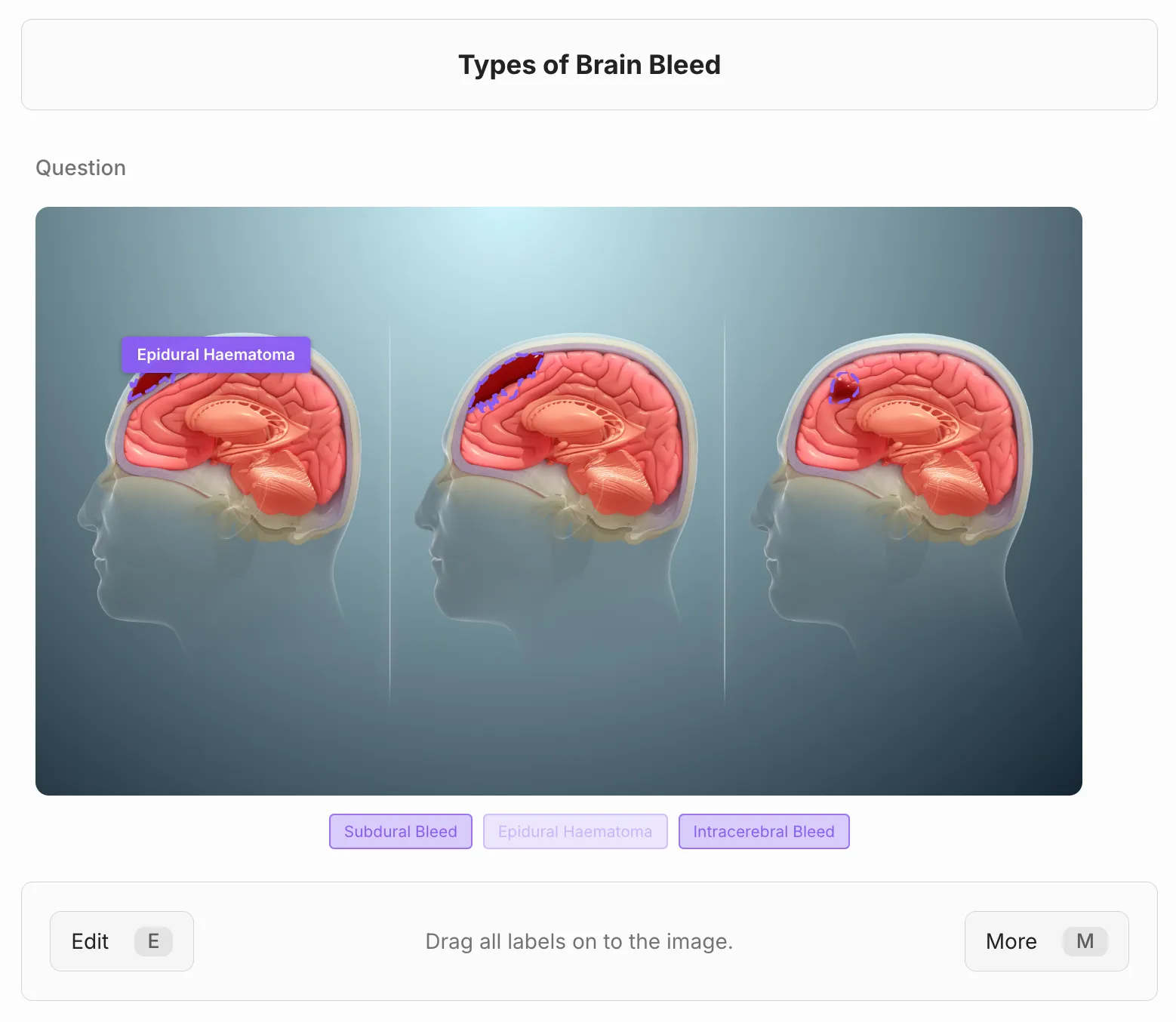
Hotspot drag-drop interaction.
Important Note
Section titled “Important Note”Flashcard scheduling data is stored separately from the note text.
That is why Syncing and anchors matter after you create or restructure flashcards.
Related
Section titled “Related”Last modified: 28/04/2026